See KAIZONE in action

A walk through a week in the app, from opening it in the morning to seeing it’s working. Getting started takes under a minute: a quick health check, your goal, the days you can train and the kit you have.

6 screens, about 2 minutes. Every screen uses sample data.

1Today

Open it and know what’s on

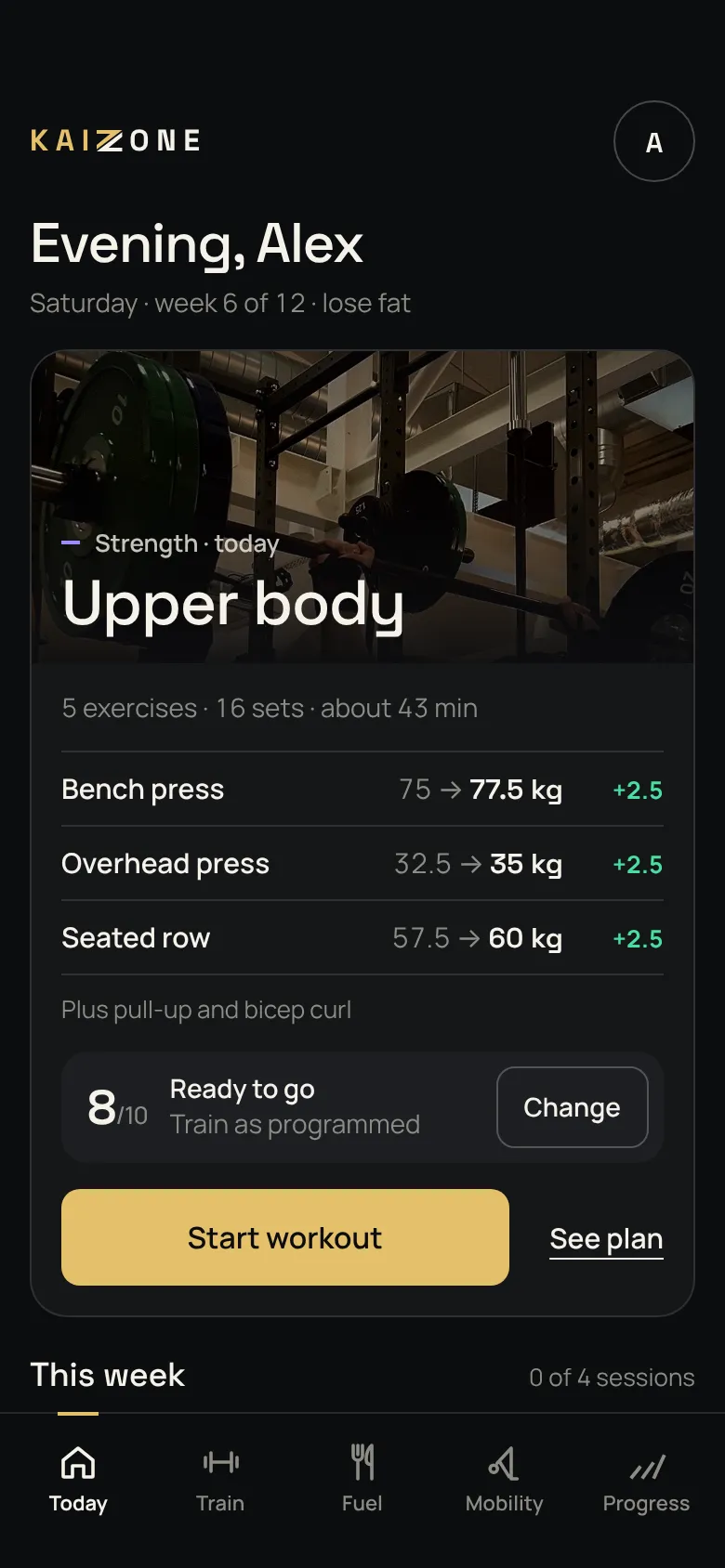
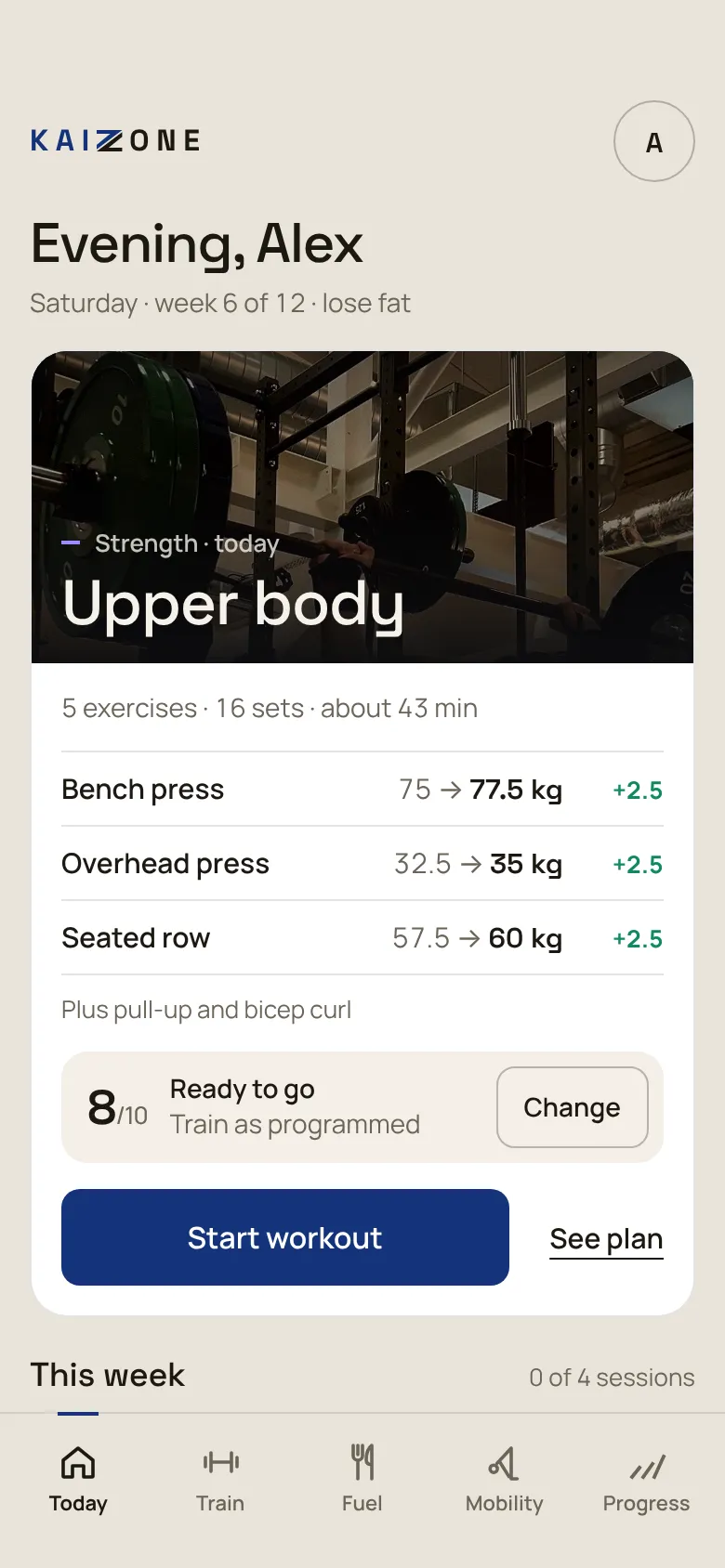
Today shows the session that’s planned, what’s gone up since last time, how ready you feel and how your week is shaping up, plus what’s left to eat.

  • A readiness check built into the session card
  • Log a one-off sport or class in two taps
  • One tap to start the session
Today screen: an upper body session with each lift up 2.5 kg, a readiness score of 8 out of 10, and the week ahead (sample data)

2Train

Your week, planned

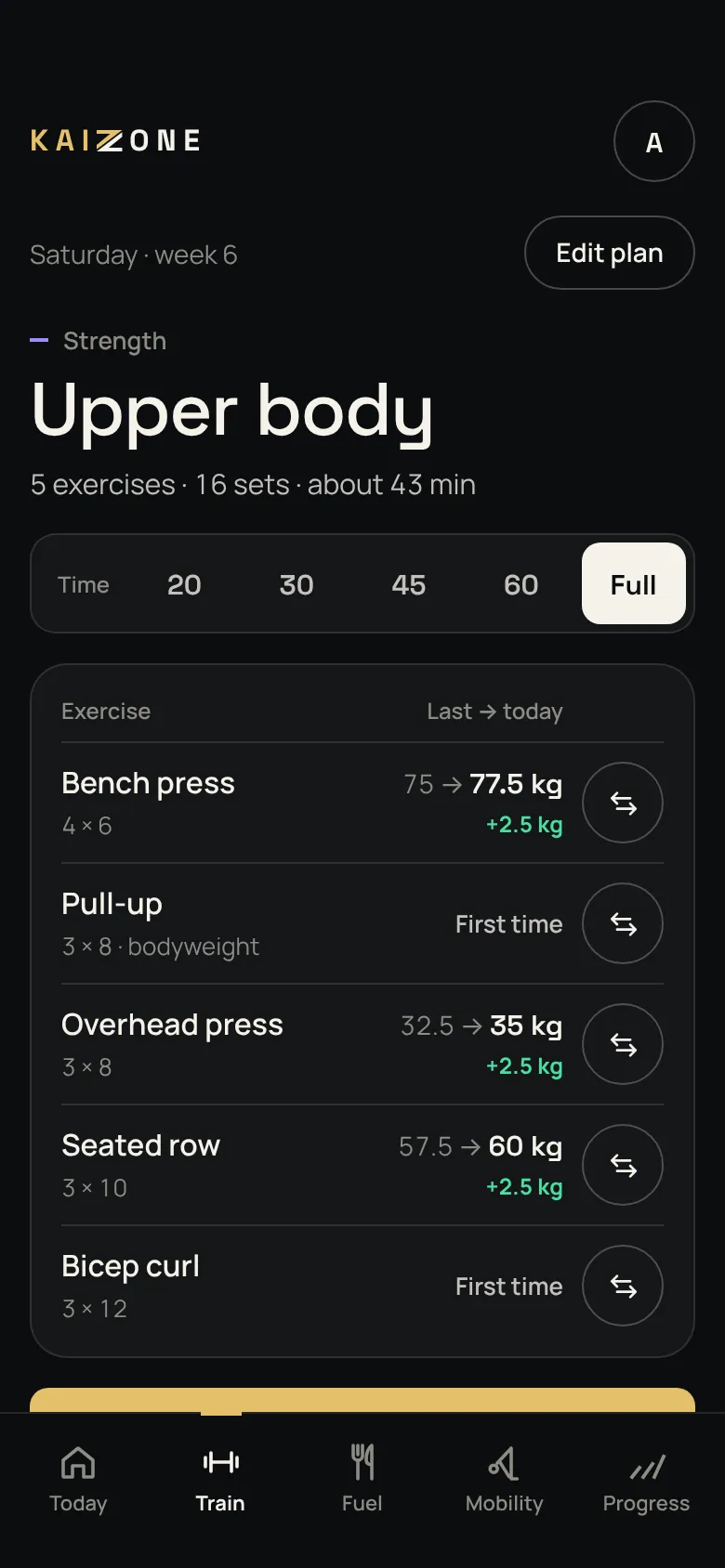
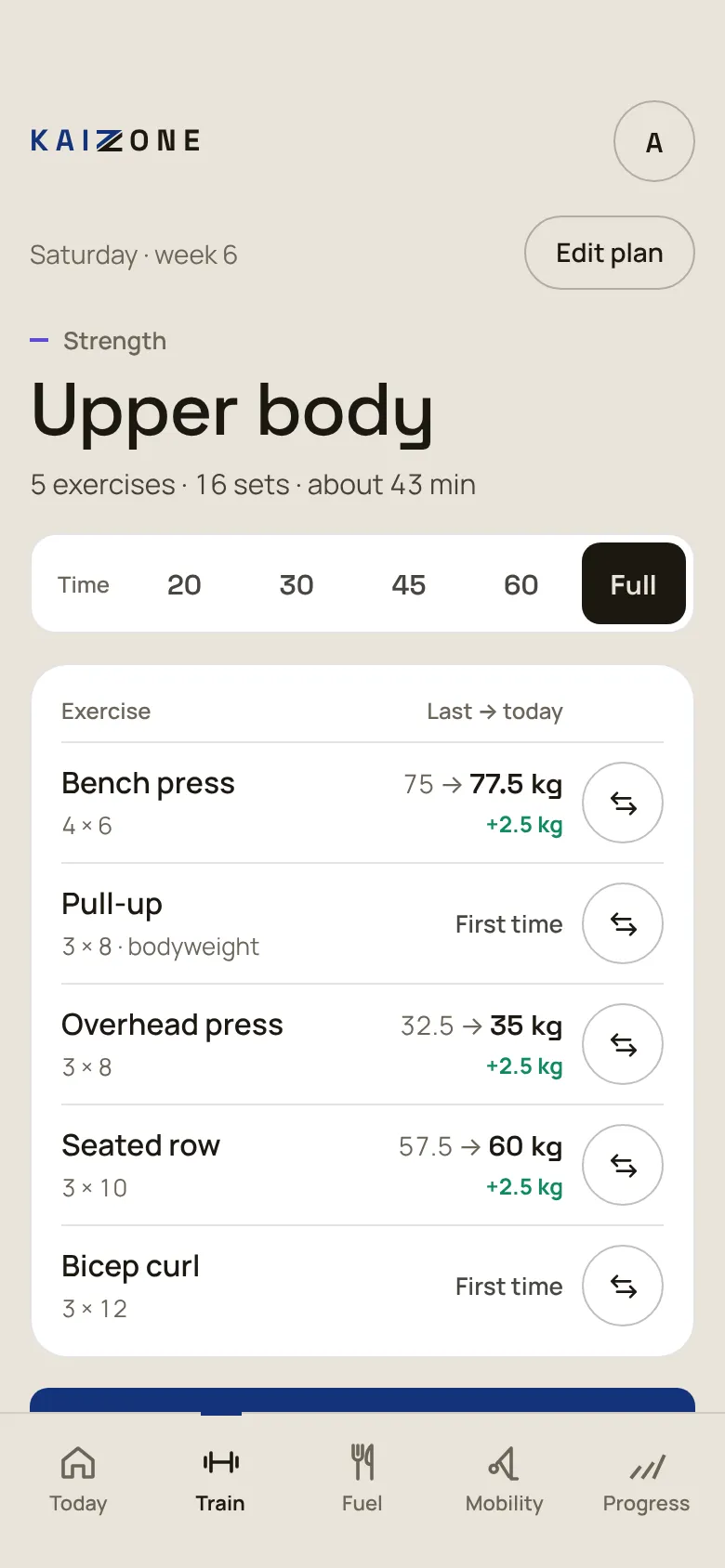
See the whole session before you start, with last time and today side by side on every lift. Short on time? Pick 20, 30, 45 or 60 minutes and the session shrinks to fit.

  • Swap any exercise, for this week only or for good
  • Plan next week ahead with This week and Next week
  • Every exercise has a how-to
Train screen: time options from 20 minutes to full, and five exercises listed with last time and today (sample data)

3Workout

Every set, recorded

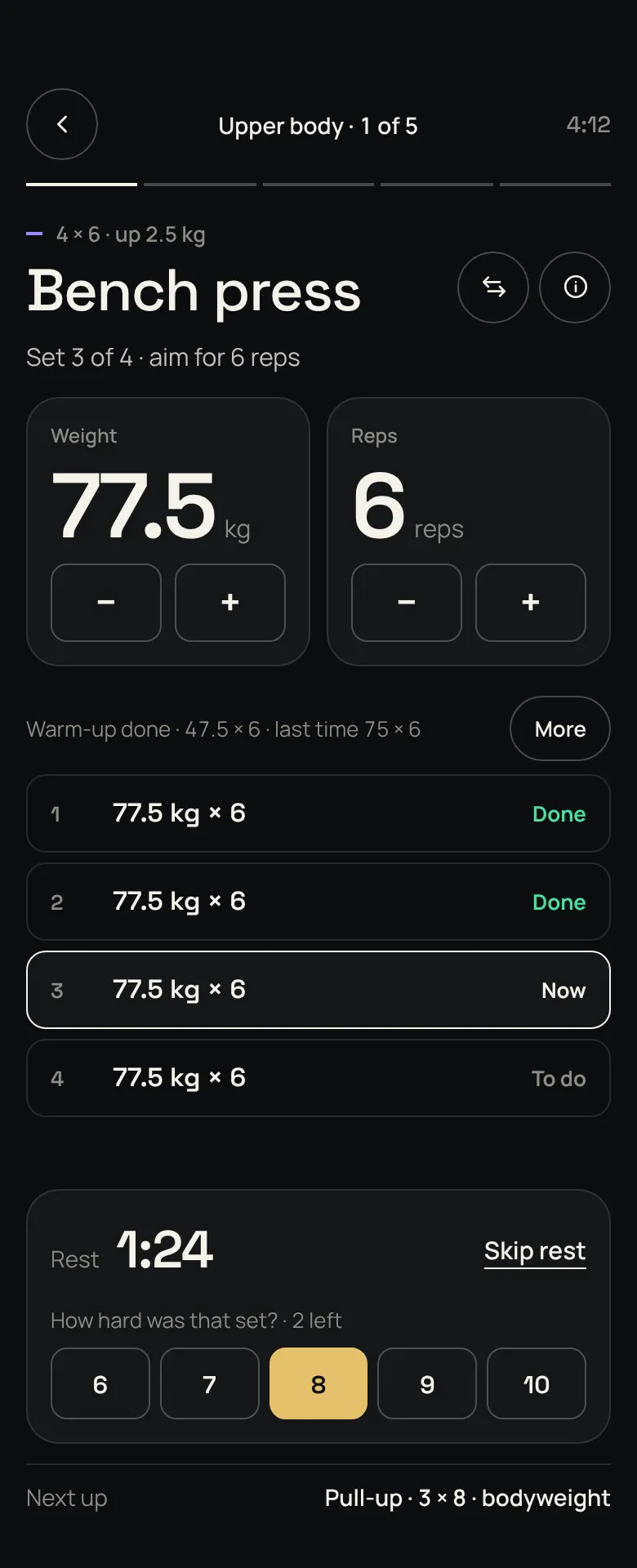
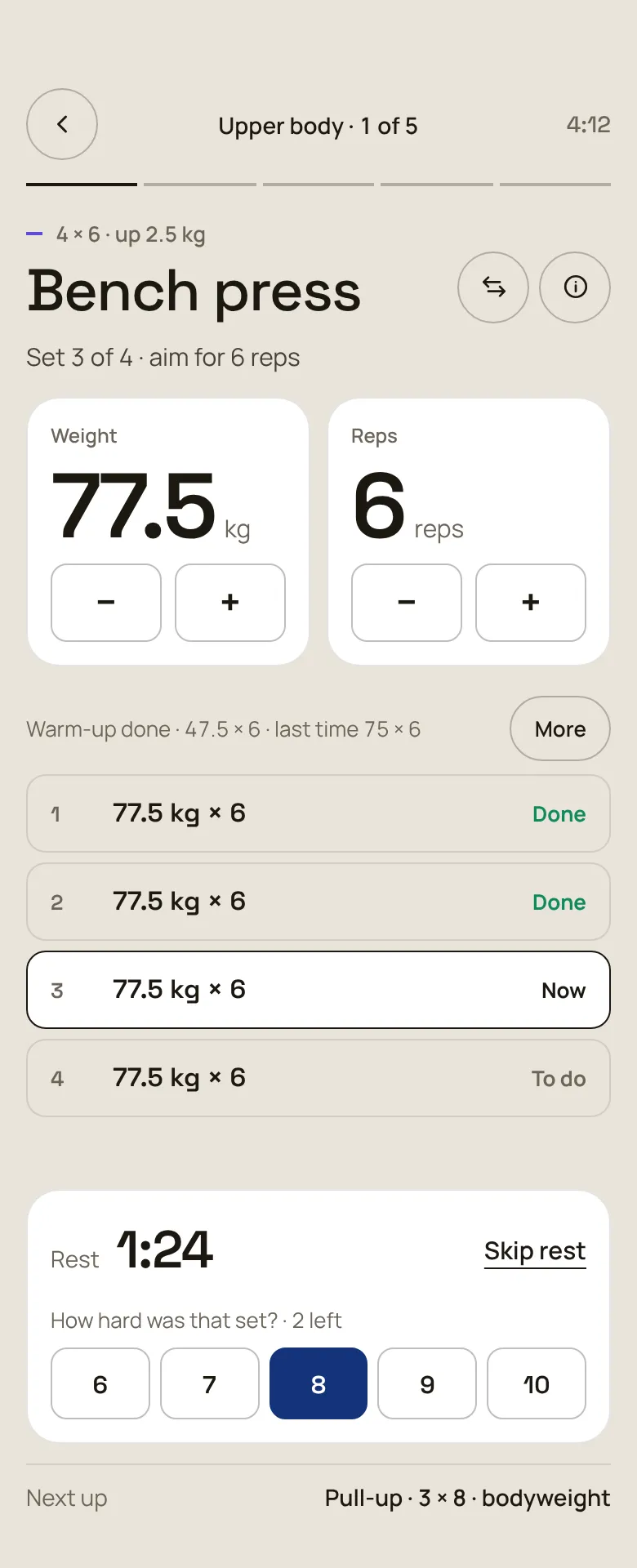
One exercise at a time. Set the weight and reps, log the set, and the rest timer starts while you rate how hard it felt.

  • An effort rating after every set
  • Add a set, a note or skip it under More
  • Each workout saved with its sets, volume and time
Workout screen: bench press on set 3 of 4 at 77.5 kg for 6 reps, a 1:24 rest timer and an effort rating of 8 (sample data)

4Fuel

Fuel that fits the training

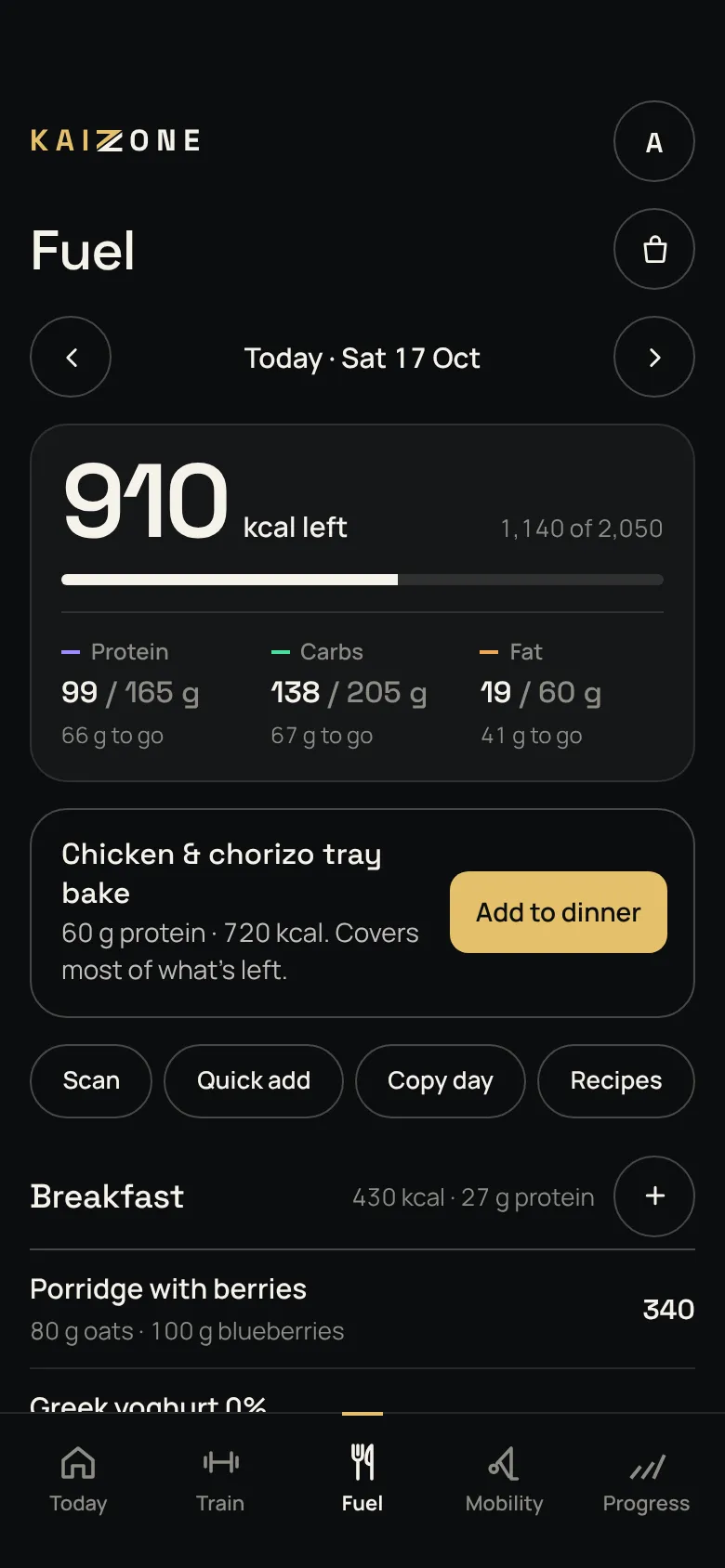
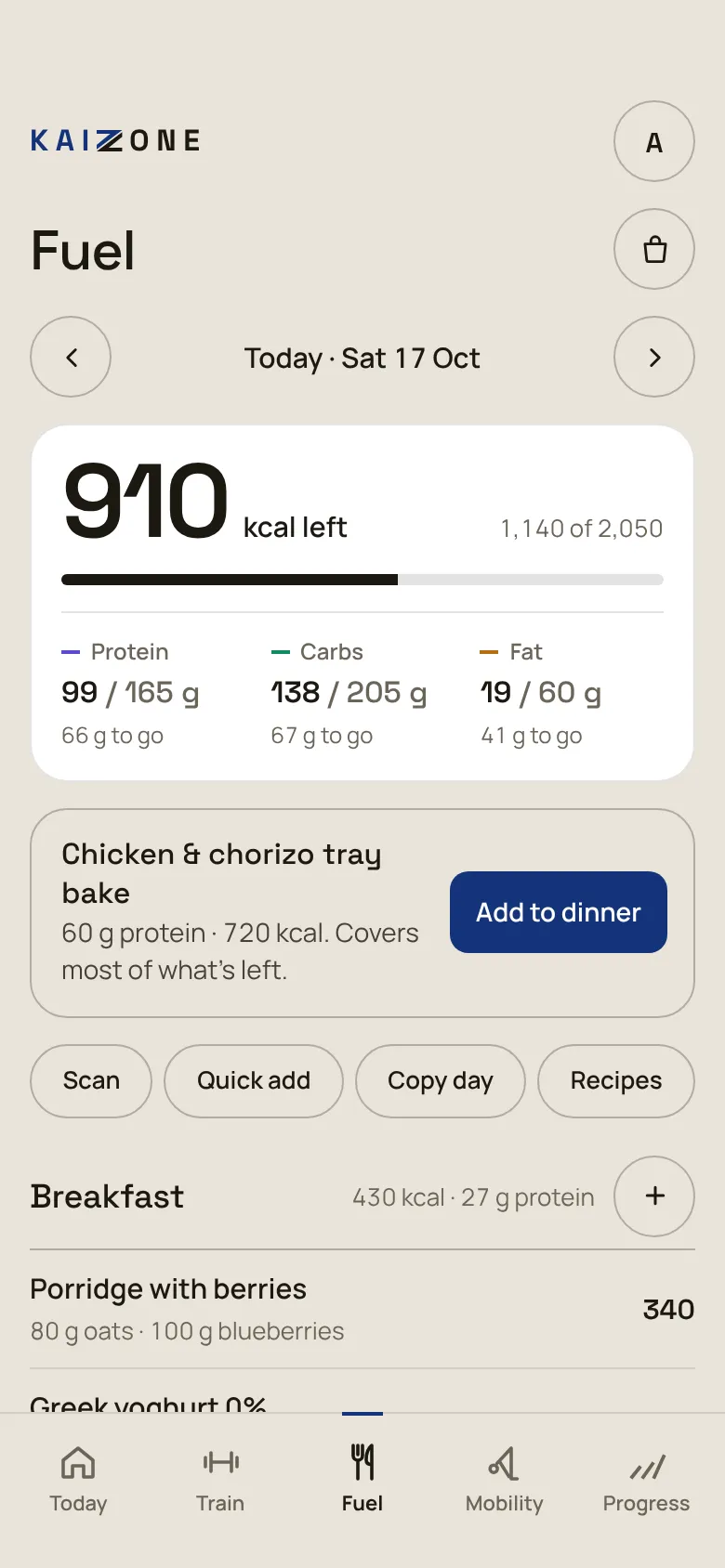
Calorie and macro targets come from your stats and your weight trend. Log food by barcode, search or quick add, and KAIZONE suggests a meal that fits what you have left.

  • Barcode scanner and UK food search
  • 22 recipes that log themselves, plus a shopping list
  • Copy a day, add custom foods
Fuel screen: 910 kcal left, protein, carbs and fat against target, and a tray bake suggested for dinner (sample data)

5Mobility

Mobility you’ll actually do

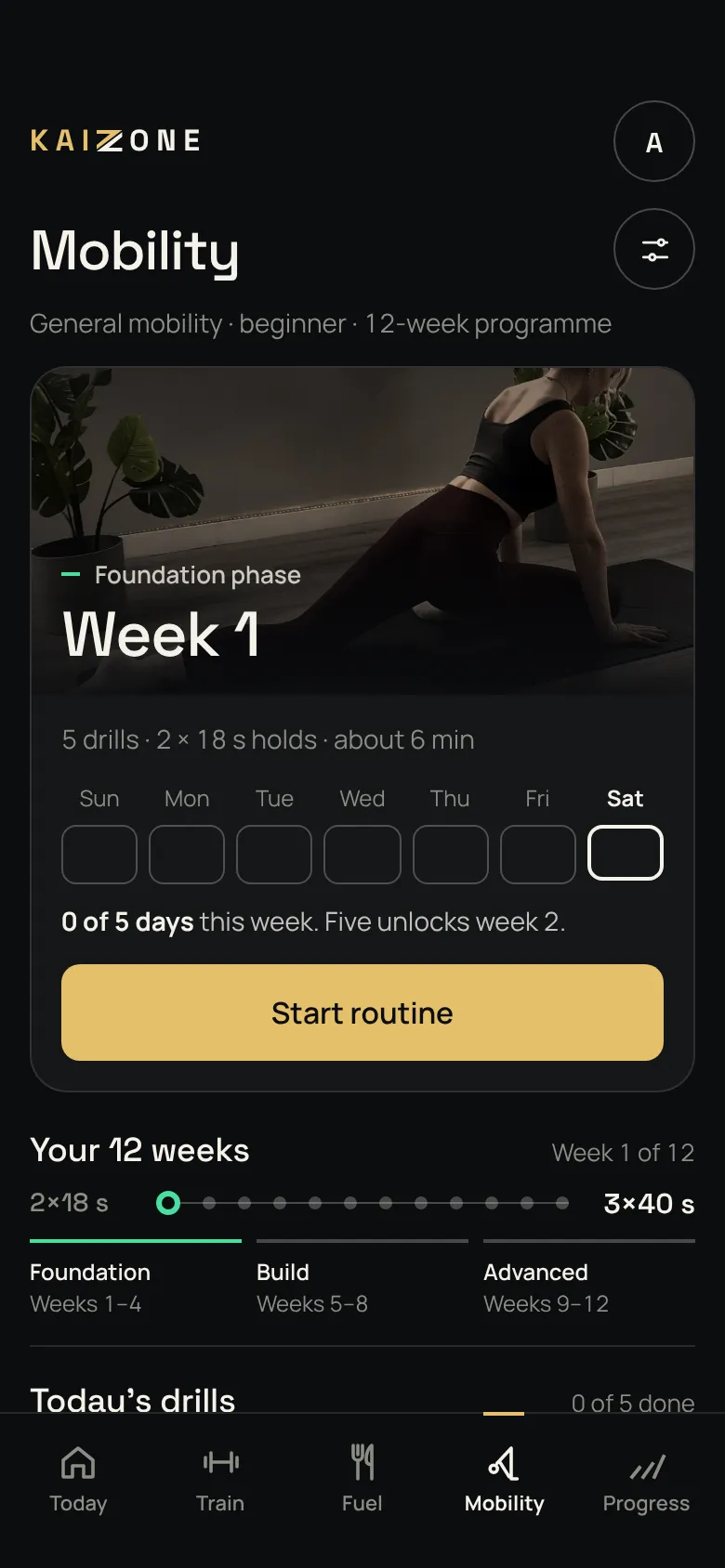
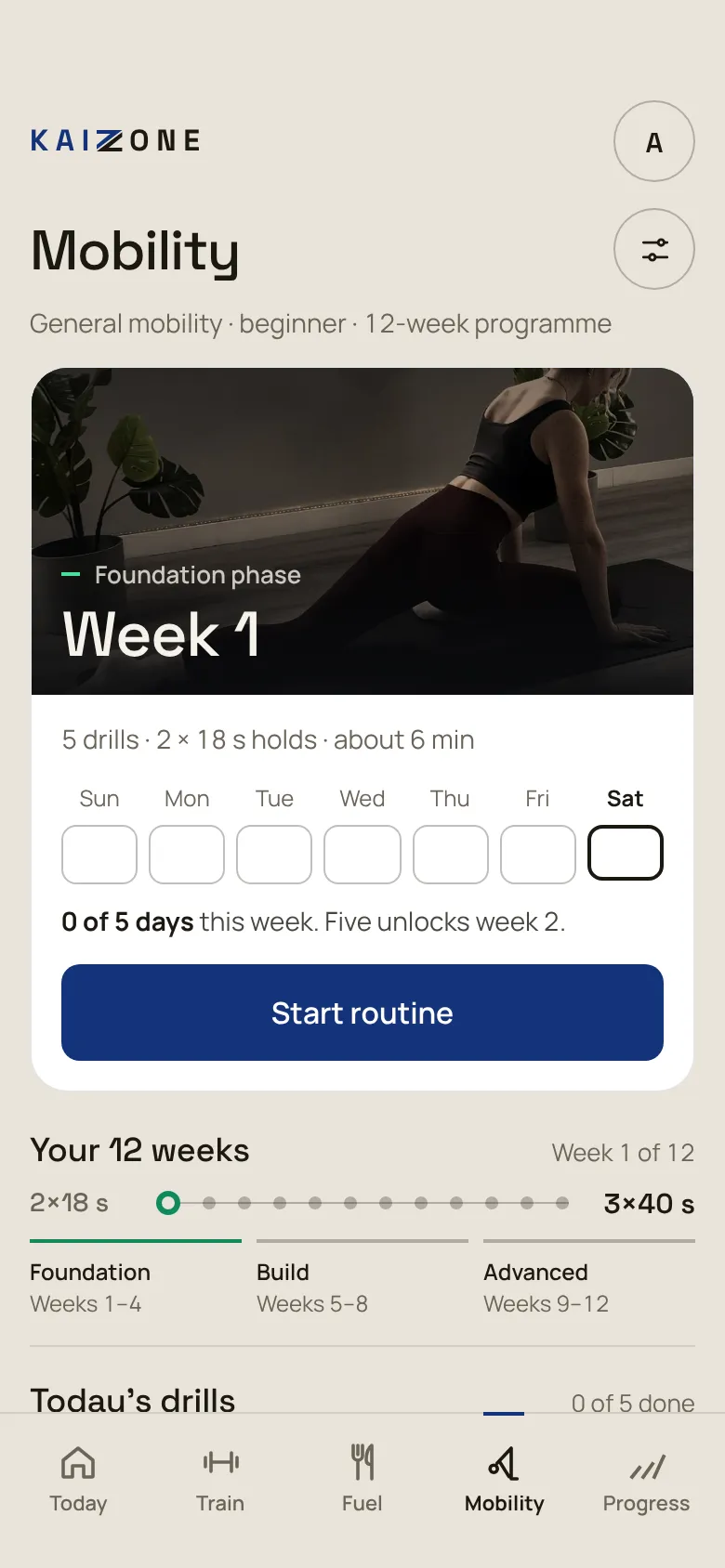
A 12-week daily programme in three phases. Short sessions, clear technique cues, and five days out of seven moves you on.

  • Six focus areas, beginner to advanced
  • Guided holds with a timer for every drill
  • Left and right sides tracked
Mobility screen: week 1 of the foundation phase, a weekly tracker and the 12-week track (sample data)

6Progress

See that it’s working

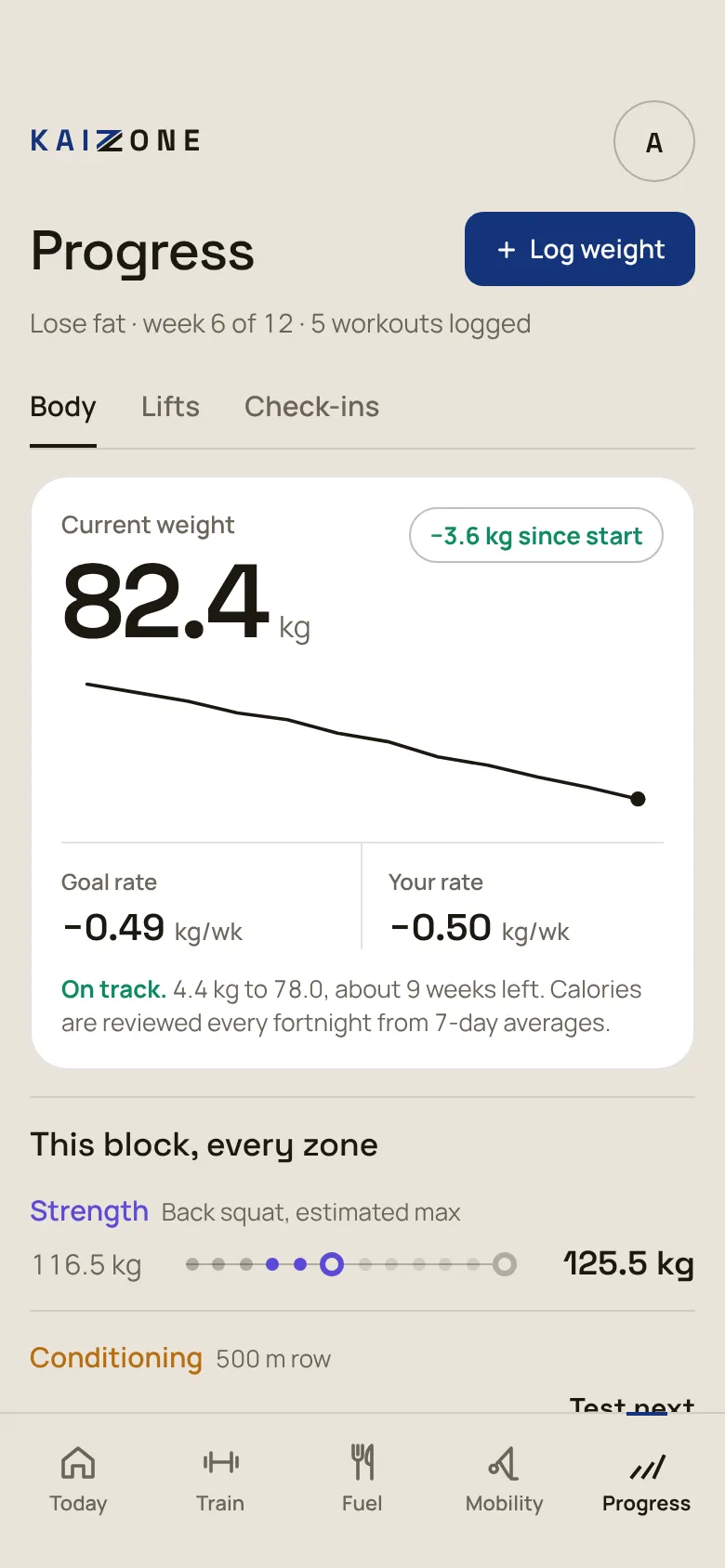
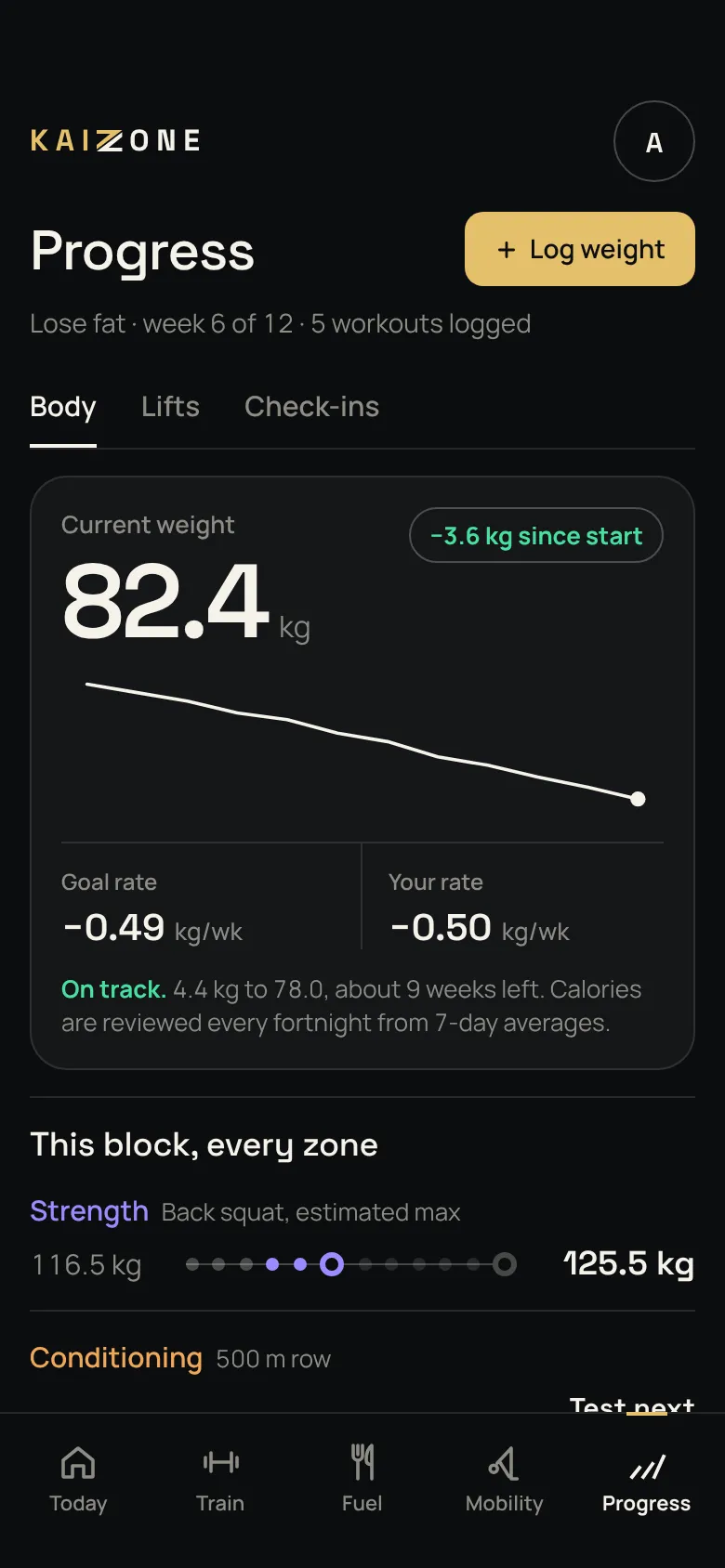
Your weight trend against your target rate, every zone across the block, and your measurements and check-ins. KAIZONE tells you if you’re on track, and suggests a change if you’re not.

  • Trend-based, not day-to-day noise
  • A benchmark test every six weeks
  • Body, lifts and check-ins in one place
Progress screen: 82.4 kg, losing 0.50 kg a week against a goal of 0.49, marked on track (sample data)

Try it for yourself.

Have a look around the app with the same sample data, or create a free account and get your own plan.

Free to start. No card needed. Works in your browser today.

© 2026 KAIZONE. Screens show sample data. General fitness information only, not medical or professional advice.